Direct Reply
Learn about direct reply and how to implement it effectively.
2 min read
🆕Recently updated
Last updated: 12/9/2025
Direct Reply (Agentflow Node)
The Direct Reply node in InnoSynth-Forjinn's Agentflow allows your workflow to send an immediate, predefined message directly to the user. This node is designed for scenarios where you need to provide a quick response, confirmation, or a specific piece of information without requiring further AI processing or complex logic.
Purpose
The Direct Reply node is useful for:
- Immediate Confirmations: "Your request has been received."
- Simple Answers: "The current time is X."
- Error Messages: "I'm sorry, I couldn't complete that request."
- Ending a Flow: Concluding a conversation with a final statement.
- Redirecting Users: Providing instructions or links to other resources.
Appearance on Canvas
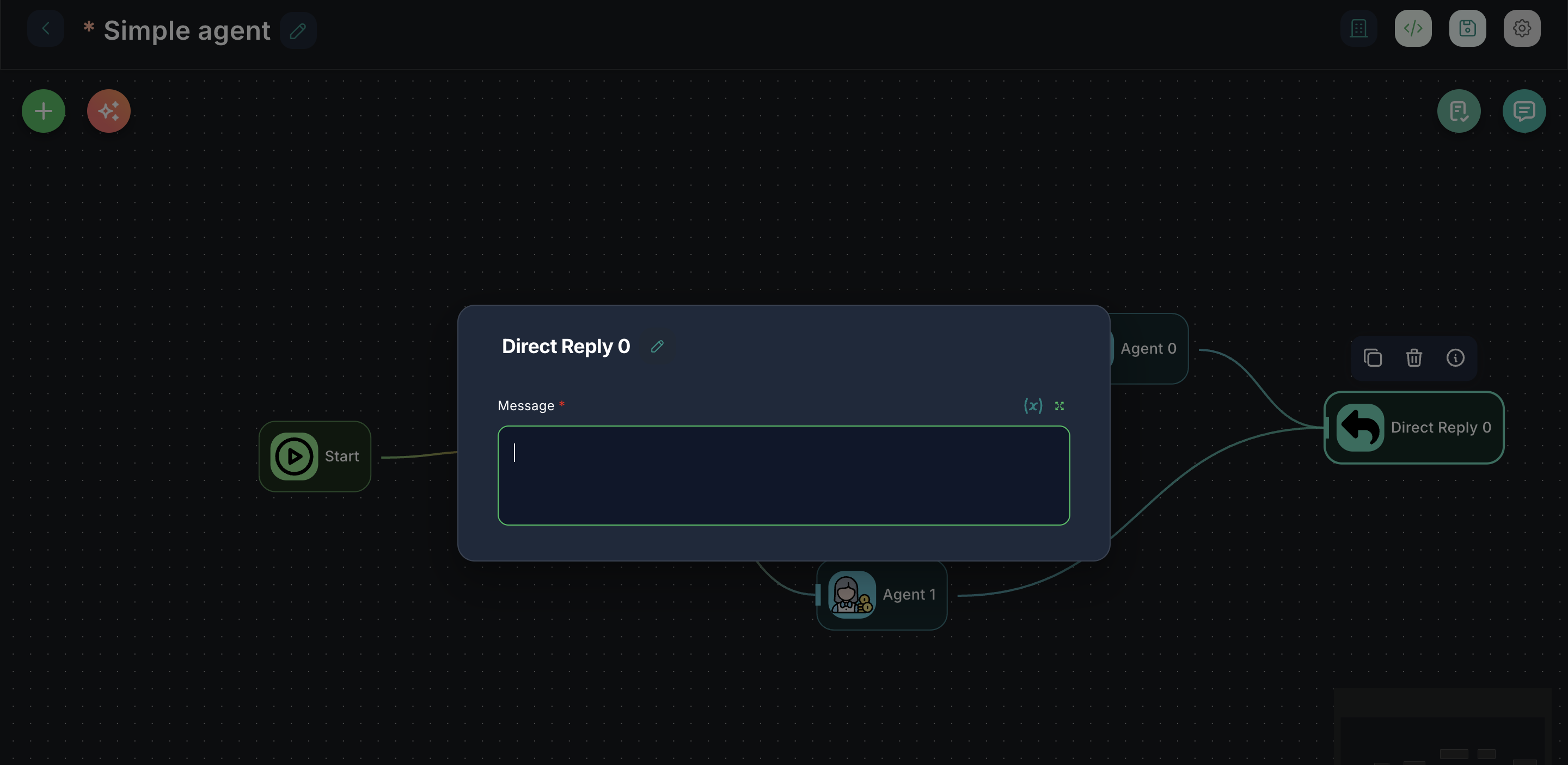
Configuration Parameters
The Direct Reply node has a single, straightforward configuration parameter:
1. Message (Required)
- Label: Message
- Type:
string - Description: The exact message content that will be sent directly to the user. This field supports variables, allowing you to include dynamic information from other parts of your workflow (e.g.,
Hello {{userName}}, your order {{orderId}} has been placed.).
Inputs & Outputs
- Input: The Direct Reply node typically receives an input from a preceding node, which might contain variables to be used in the message.
- Output: This node does not have a visible output port on the canvas, as its primary function is to send a message directly to the user and often terminate a specific branch of the workflow. The
hideOutputproperty is set totrue.
Example Usage: Order Confirmation
Imagine a chatflow where a user places an order, and you want to send an immediate confirmation.
- Connect a node that processes the order (e.g., a
custom functionthat interacts with an e-commerce API) to the input of aDirect Replynode. - Configure Message: In the
Direct Replynode, set the message to:
(AssumingThank you for your order, {{userName}}! Your order number is {{orderId}}. We've sent a confirmation email to {{userEmail}}.userName,orderId, anduserEmailare variables passed from the previous node or available in the flow state.)
When the order processing node completes, the user will instantly receive this confirmation message.