Logging In
Learn about logging in and how to implement it effectively.
2 min read
🆕Recently updated
Last updated: 12/9/2025
Logging In to InnoSynth-Forjinn
This guide explains how to access and log in to your InnoSynth-Forjinn account.
Accessing the Login Page
To begin, open your web browser and navigate to https://forjinn.com to access the Visual AI Agent Builder platform.
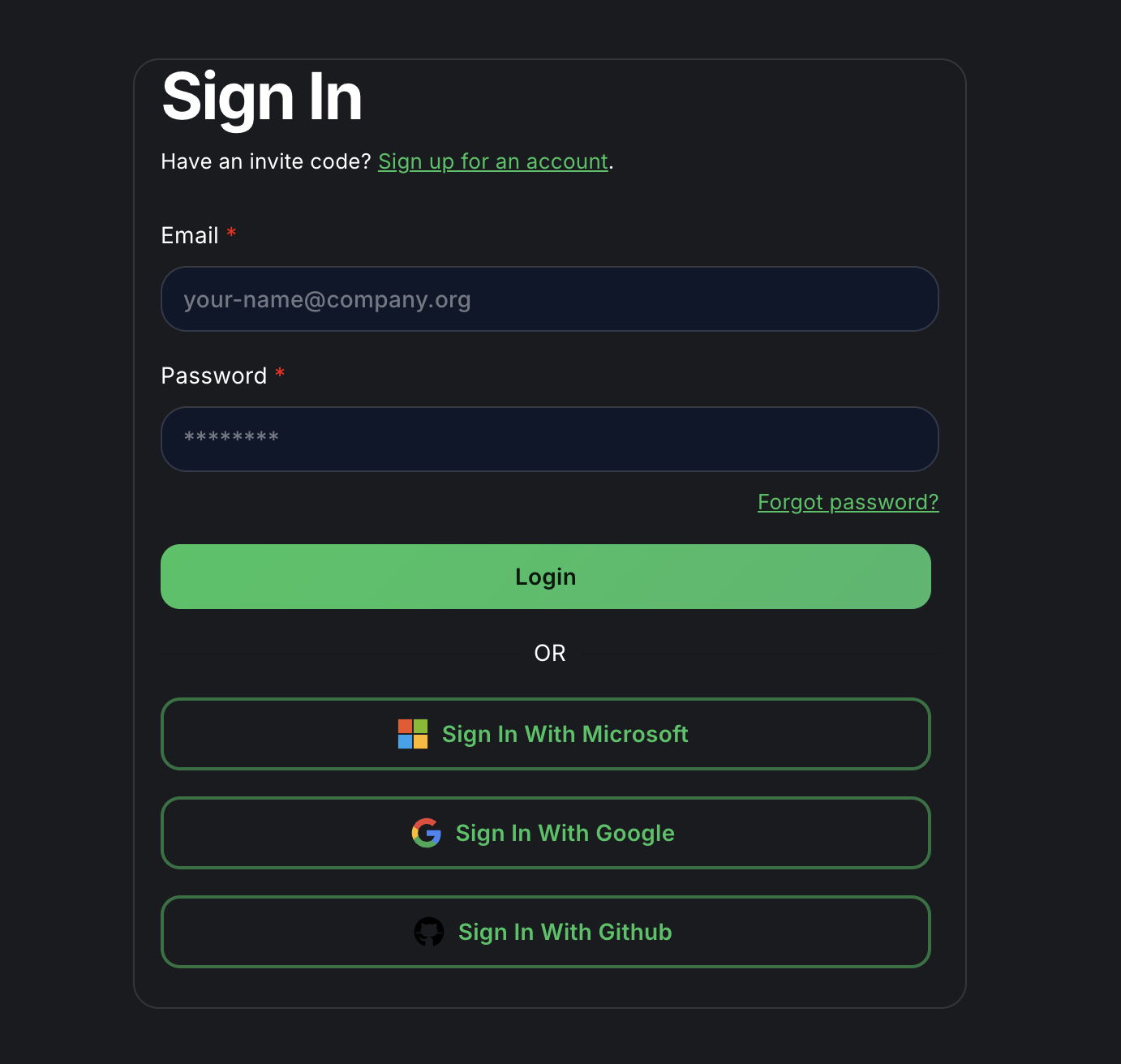
You will be directed to the login page, which usually looks like this:
Entering Your Credentials
On the login page, you will find fields for your username (or email) and password.
- Username/Email: Enter the username or email address associated with your InnoSynth-Forjinn account.
- Password: Enter your password.
Submitting Your Information
After entering your credentials, click the "Log In" button.
Troubleshooting Login Issues
- Incorrect Credentials: If you receive an "Invalid username or password" error, double-check your input for typos.
- Forgot Password: If you have forgotten your password, look for a "Forgot Password?" link on the login page. Follow the instructions to reset your password.
- Account Locked: If your account becomes locked after multiple failed attempts, please wait for the lockout period to expire or contact your administrator for assistance.
- No Account: If you do not have an InnoSynth-Forjinn account, please contact your organization's administrator to request access.
After Logging In
Upon successful login, you will be redirected to the InnoSynth-Forjinn Dashboard, where you can begin managing your AI workflows.