Custom Function
Learn about custom function and how to implement it effectively.
4 min read
🆕Recently updated
Last updated: 12/9/2025
Custom Function (Agentflow Node)
The Custom Function node in InnoSynth-Forjinn provides unparalleled flexibility by allowing you to execute custom JavaScript or Python code directly within your Agentflow workflows. This enables you to implement highly specific logic, integrate with unique APIs, or perform complex data transformations that might not be covered by existing components.
Purpose
The Custom Function node is ideal for:
- Custom Logic: Implementing unique business rules or algorithms.
- API Integration: Making calls to internal or external APIs that don't have a dedicated tool.
- Data Manipulation: Transforming data in ways specific to your workflow.
- Conditional Processing: Creating advanced conditional logic beyond the standard condition node.
Appearance on Canvas
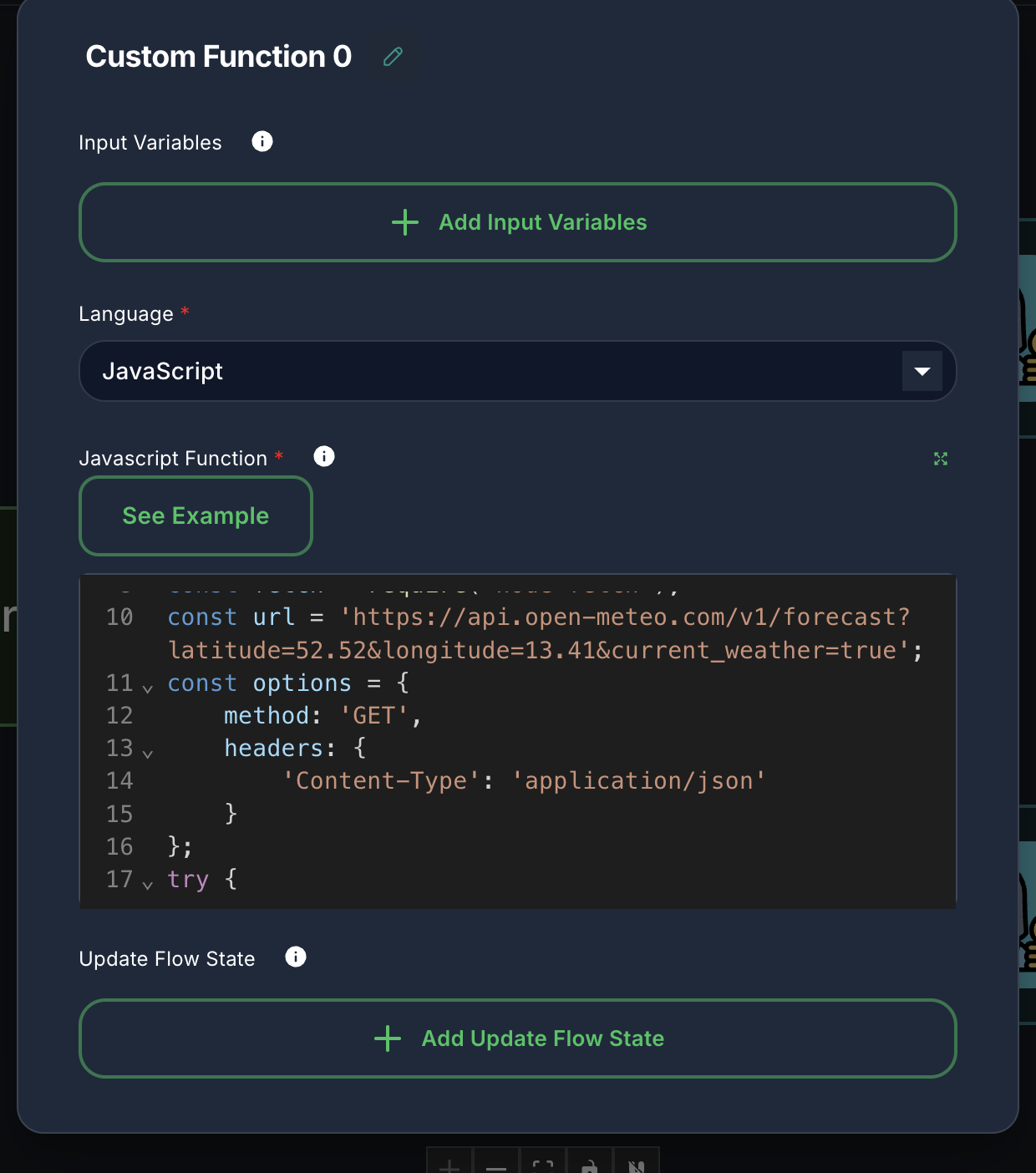
Configuration Parameters
The Custom Function node requires you to define the code to be executed and its language.
1. Input Variables (Optional)
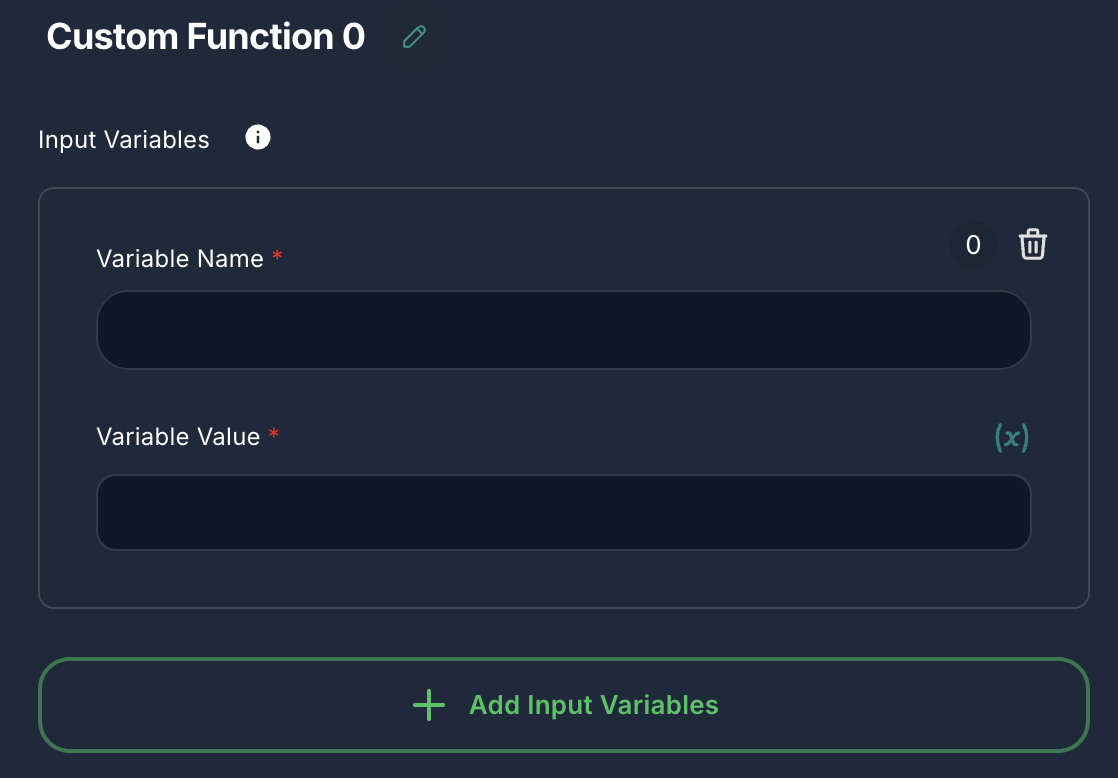
- Label: Input Variables
- Type:
arrayof objects - Description: Define variables that can be passed into your custom function. These variables can be accessed within your code using a
$prefix (e.g.,$myVariable).- Variable Name: The name of the variable (e.g.,
query). - Variable Value: The value of the variable. Supports dynamic values from other nodes or global variables.
- Variable Name: The name of the variable (e.g.,
2. Language (Required)
- Label: Language
- Type:
options - Default:
javascript - Options:
JavaScript,Python - Description: Select the programming language for your custom function.
3. Javascript Function (Required for JavaScript)
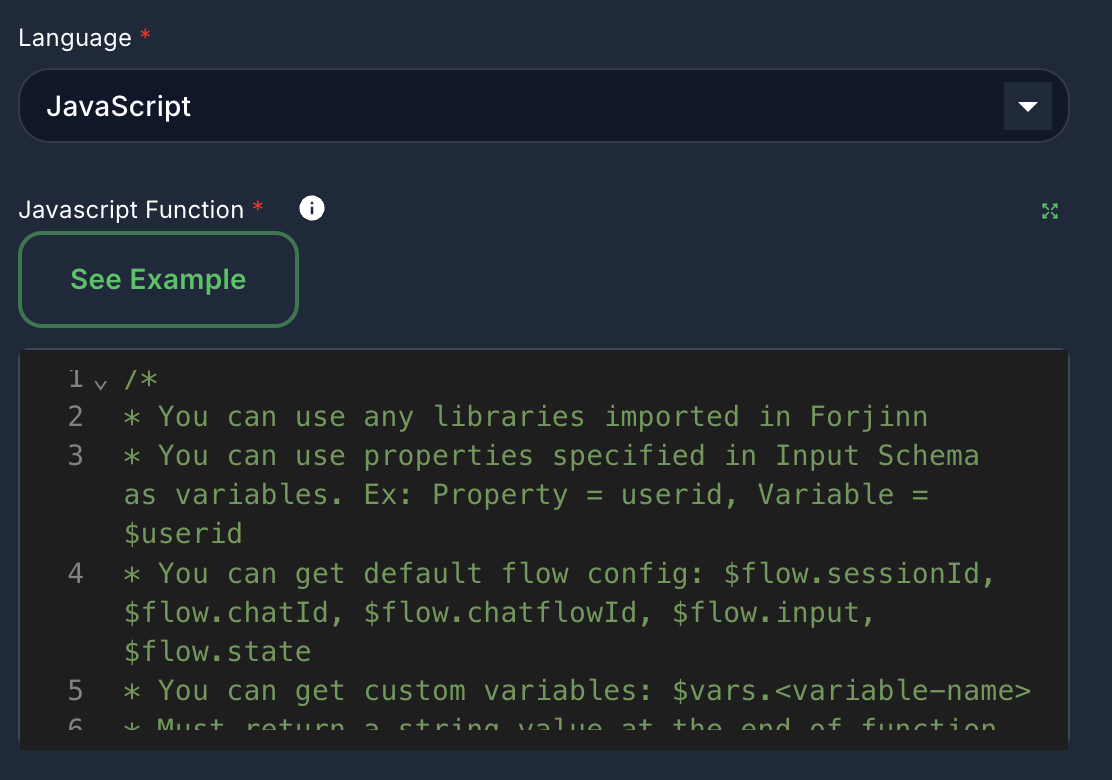
- Label: Javascript Function
- Type:
code - Description: (Visible when Language is
JavaScript) The JavaScript code to execute. It must be anasyncfunction and should return a string or an object that can be converted to a string. - Code Example:
/* * You can use any libraries imported in Forjinn (e.g., node-fetch) * You can use properties specified in Input Schema as variables. Ex: Property = userid, Variable = $userid * You can get default flow config: $flow.sessionId, $flow.chatId, $flow.chatflowId, $flow.input, $flow.state * You can get custom variables: $vars.<variable-name> * Must return a string value at the end of function */ const fetch = require('node-fetch'); const url = 'https://api.open-meteo.com/v1/forecast?latitude=52.52&longitude=13.41¤t_weather=true'; const options = { method: 'GET', headers: { 'Content-Type': 'application/json' } }; try { const response = await fetch(url, options); const text = await response.text(); return text; } catch (error) { console.error(error); return ''; }
4. Python Function (Required for Python)
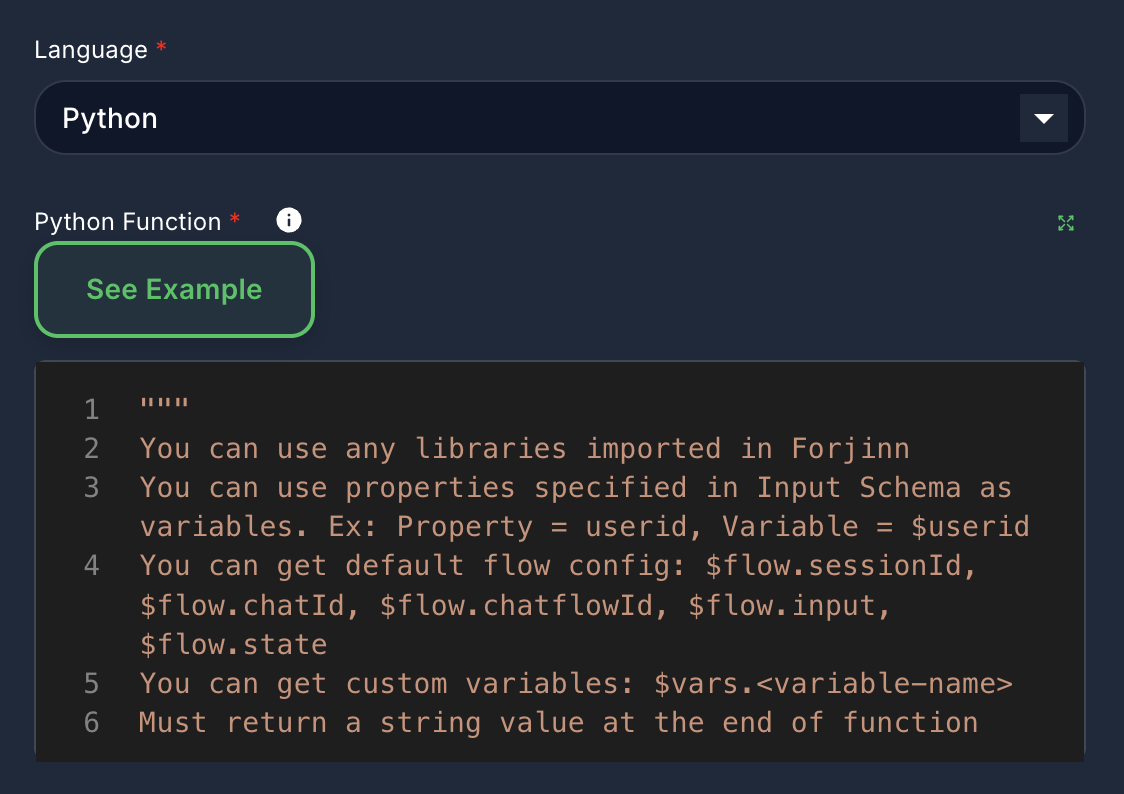
- Label: Python Function
- Type:
code - Description: (Visible when Language is
Python) The Python code to execute. It must return a string or an object that can be converted to a string. - Code Example:
""" You can use any libraries imported in Forjinn You can use properties specified in Input Schema as variables. Ex: Property = userid, Variable = $userid You can get default flow config: $flow.sessionId, $flow.chatId, $flow.chatflowId, $flow.input, $flow.state You can get custom variables: $vars.<variable-name> Must return a string value at the end of function """ import requests url = 'https://api.open-meteo.com/v1/forecast?latitude=52.52&longitude=13.41¤t_weather=true' try: response = requests.get(url) return response.text except Exception as e: print(e) return ''
5. Python Requirements (Optional for Python)

- Label: Python Requirements
- Type:
string - Placeholder:
requests,pandas,numpy - Description: (Visible when Language is
Python) A comma-separated list of Python packages required by your function. These packages will be installed in the Python execution environment.
6. Update Flow State (Optional)
- Label: Update Flow State
- Type:
arrayof objects - Description: Allows you to update the runtime state of the workflow during the function's execution.
- Key: The key of the state variable to update.
- Value: The new value for the state variable. Supports variables and node outputs.
Inputs & Outputs
- Input: Can receive any data that your custom function needs to process. This data can be accessed via the
$inputvariable in your code. - Output: The return value of your custom function. This can be a string or a JSON-serializable object.
Example Usage: Fetching External Data
Let's create a custom function to fetch weather data from an external API.
- Drag a
Custom Functionnode onto the canvas. - Set Language: Choose
JavaScript. - Paste JavaScript Function: Use the example JavaScript code provided above to fetch weather data.
- Connect to Chat Output: Connect the output of the
Custom Functionnode to aChat Outputnode.
When this chatflow runs, the custom function will execute, fetch the weather data, and the result will be displayed in the chat.