Browsing Marketplace
Learn about browsing marketplace and how to implement it effectively.
2 min read
🆕Recently updated
Last updated: 12/9/2025
Browsing the Marketplace
The InnoSynth-Forjinn Marketplace is a central hub where you can discover and leverage pre-built chatflow templates and components shared by the community or provided by InnoSynth-Forjinn. It's an excellent resource for jumpstarting your projects, learning from existing designs, and expanding your AI capabilities.
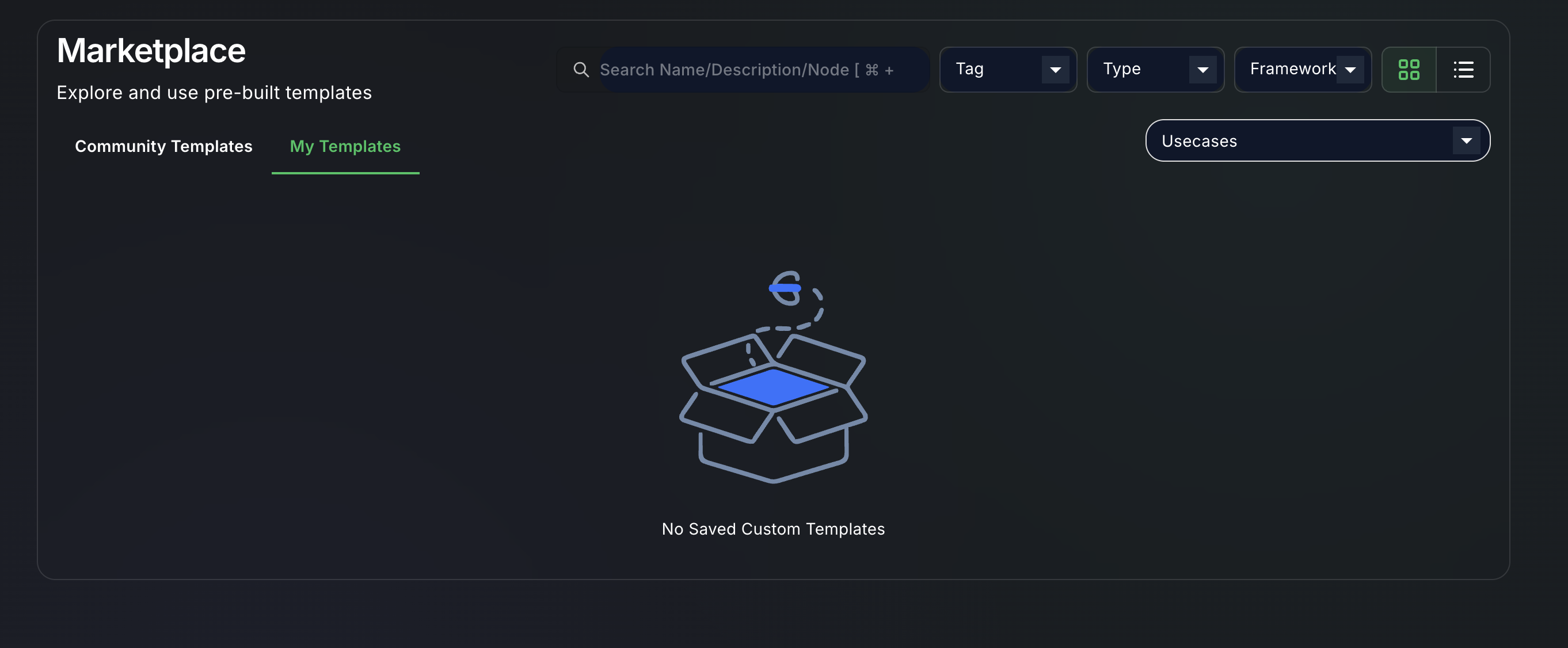
Accessing the Marketplace
- Navigate to Marketplace: From the left-hand sidebar, click on "Marketplace".
- You will be presented with a catalog of available templates and components.
What You'll Find in the Marketplace
The Marketplace typically features:
- Chatflow Templates: Complete, ready-to-use chatflows designed for common use cases (e.g., customer support bot, content generator, data analyst agent). These templates can be imported and customized to fit your specific needs.
- Individual Components: Specialized components that might not be in the default library but offer unique functionalities.
- Community Contributions: Workflows and components shared by other InnoSynth-Forjinn users, fostering a collaborative environment.
- Official Templates: Curated templates provided by the InnoSynth-Forjinn team.
Navigating and Filtering
The Marketplace usually includes features to help you find what you're looking for:
- Search Bar: Type keywords to find specific chatflows or components (e.g., "sentiment analysis," "web scraping," "GPT-4").
- Categories/Tags: Filter items by categories like "LLMs," "Tools," "Agents," "Customer Service," "Data Analysis," etc.
- Sorting Options: Sort by popularity, newest, or rating.
- Previews/Descriptions: Each item in the marketplace will have a description, screenshots, or a preview to help you understand its functionality before importing.
How to Use Marketplace Items
Once you find a chatflow or component you're interested in:
- Click to View Details: Click on the item to see more information, including its description, how it works, and any prerequisites (e.g., required credentials).
- Import: Look for an "Import" or "Add to My Workflows" button. Clicking this will add the chatflow or component to your InnoSynth-Forjinn workspace.
- (Refer to importing templates for detailed steps)
Benefits of the Marketplace
- Accelerated Development: Quickly set up complex workflows without starting from scratch.
- Learning Resource: Study how experienced users or the InnoSynth-Forjinn team design their workflows.
- Expanded Capabilities: Access tools and integrations that might not be immediately obvious or available in the default library.
- Community Engagement: Contribute your own creations and benefit from others' contributions.
The Marketplace is a dynamic resource that continuously evolves with new additions, helping you stay at the forefront of AI application development.