
Forjinn Components Guide Overview | AI Agent Builder
Explore Forjinn's component-based architecture. Build AI agents and workflows visually across multiple builder modes including Chat Builder, Langflow, Google ADK, CrewAI, AutoGen, and more.
Components Guide Overview
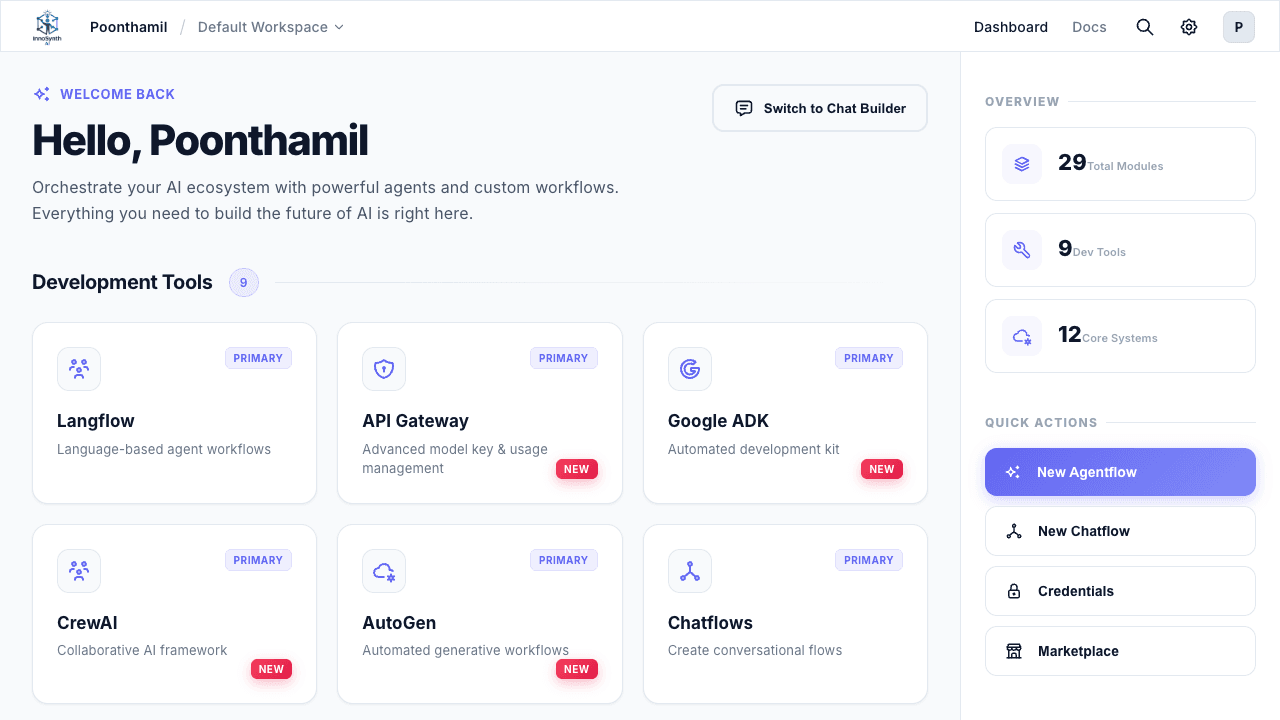
The Forjinn platform provides a powerful, extensible component-based architecture with multiple builder modes to suit different development workflows. These components — often referred to as "nodes" — are the building blocks you use to construct AI agents, workflows, and applications.
Builder Modes
Forjinn supports multiple ways to build AI applications, each designed for different use cases and developer preferences:
Chat Builder (Recommended)
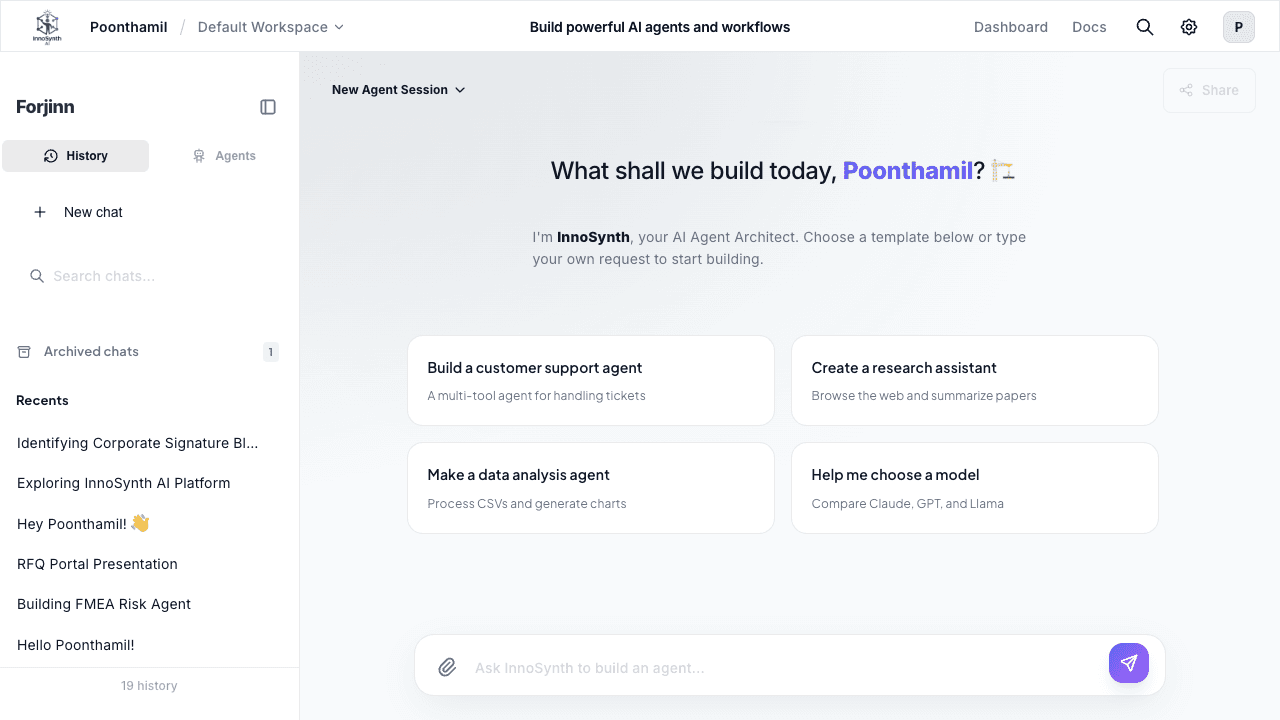
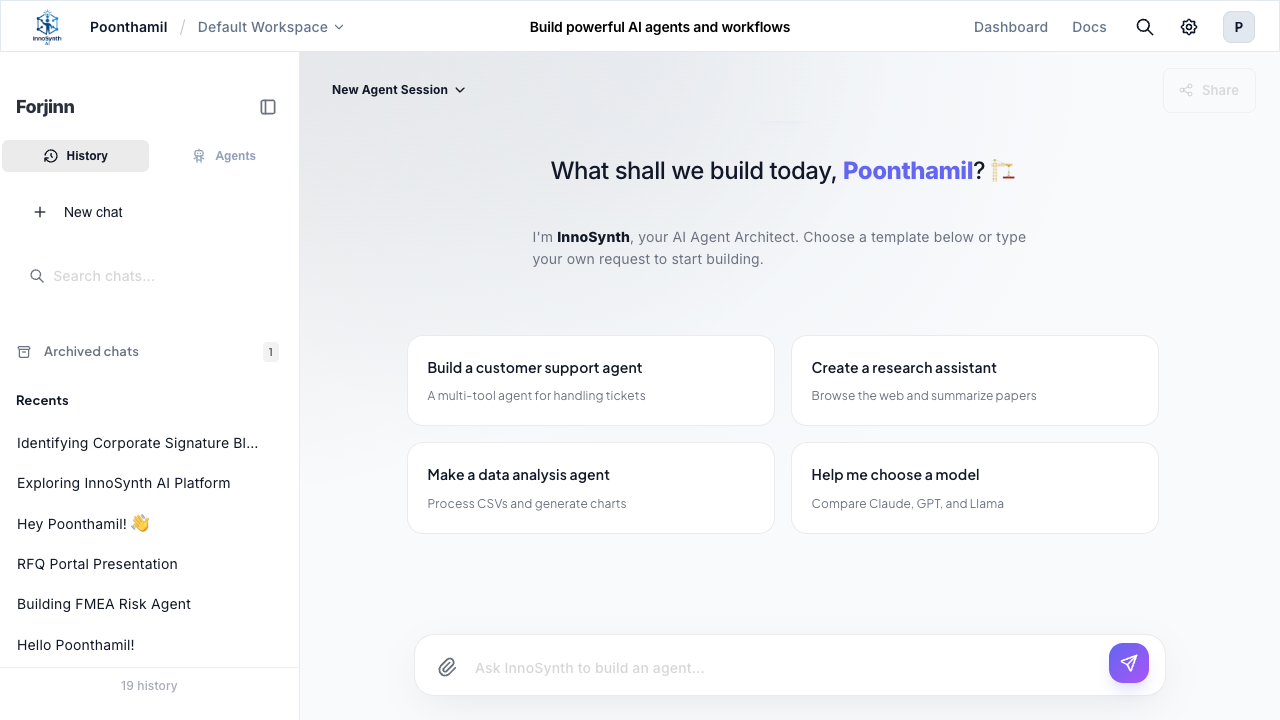
The Chat Builder is Forjinn's conversational, no-code builder mode. Describe what you want to build in natural language, and the Chat Builder constructs the agent or workflow for you. This is the recommended starting point for most users.
- Natural language prompts to build agents
- Conversational interface — no canvas required
- Ideal for beginners and rapid prototyping
- Learn more about Chat Builder
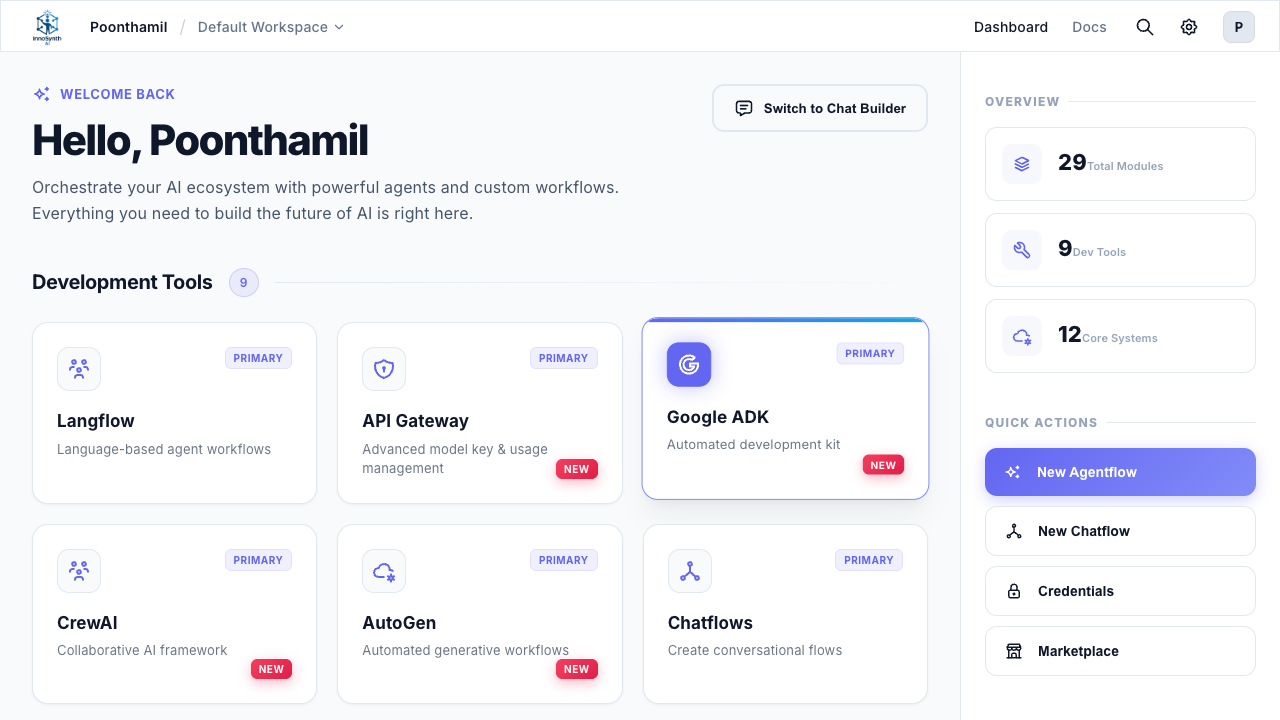
Langflow (Visual Canvas)
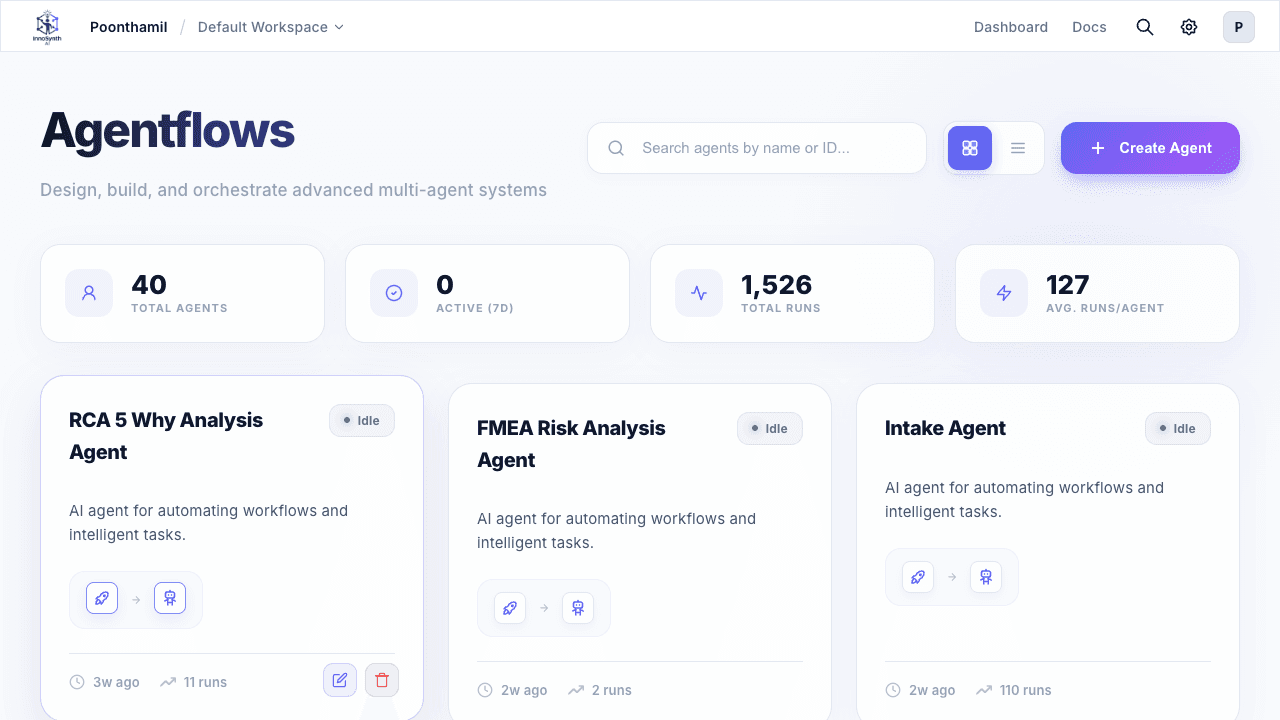
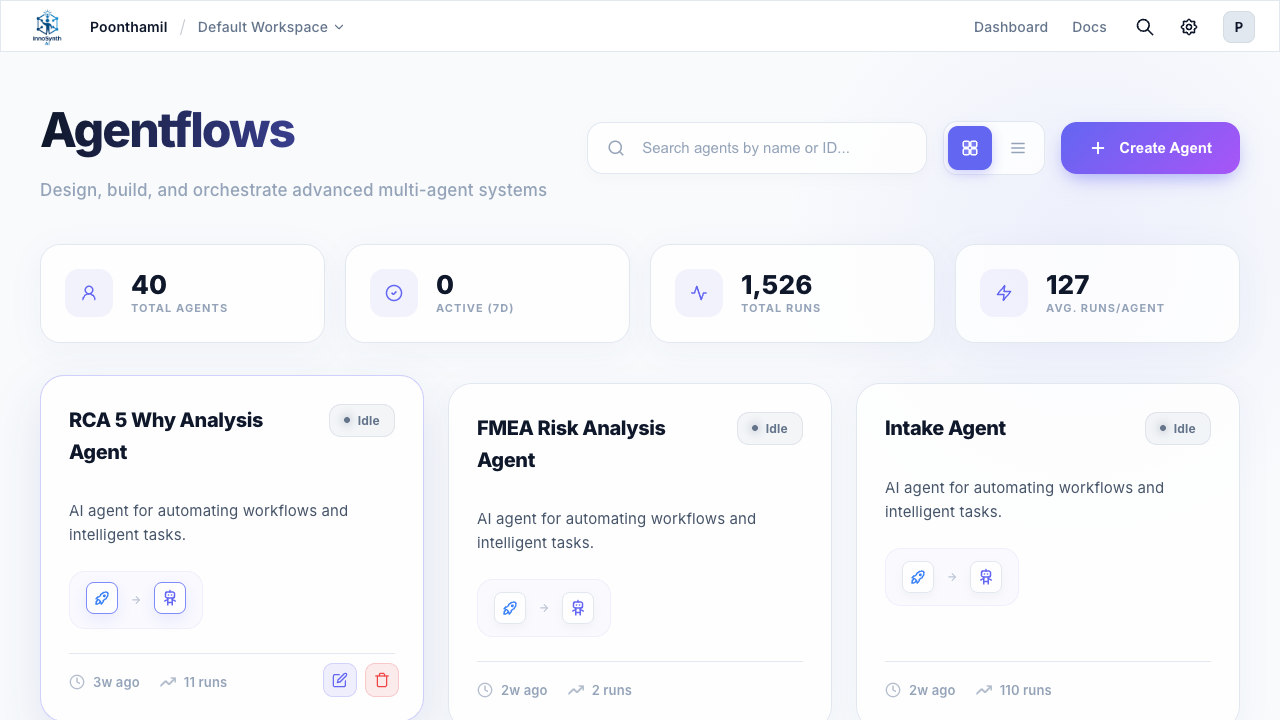
Langflow is Forjinn's visual canvas builder, formerly known as Agentflows. It provides a drag-and-drop interface for building complex AI workflows by connecting nodes on a canvas. Ideal for developers who prefer visual programming.
- Drag-and-drop node editor on a visual canvas
- Connect components to define data flow and logic
- Supports complex multi-step workflows
- Real-time testing and debugging on canvas
Chatflows
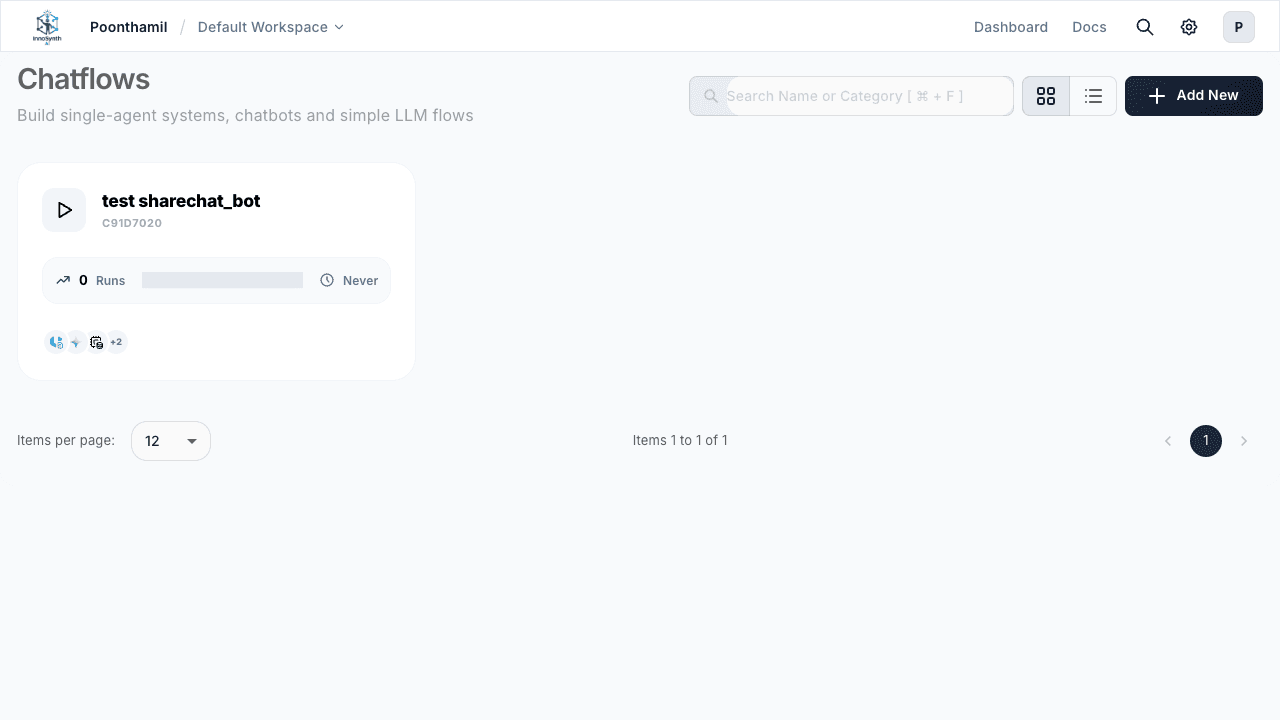
Chatflows focuses on building conversational AI applications. Design chatbot interactions, define conversation branches, and manage dialogue flows visually.
- Conversational flow design with branching logic
- Chat-specific components for dialogue management
- Template library for common chatbot patterns
- Embedded chat testing interface
Google ADK (Automated Development Kit)
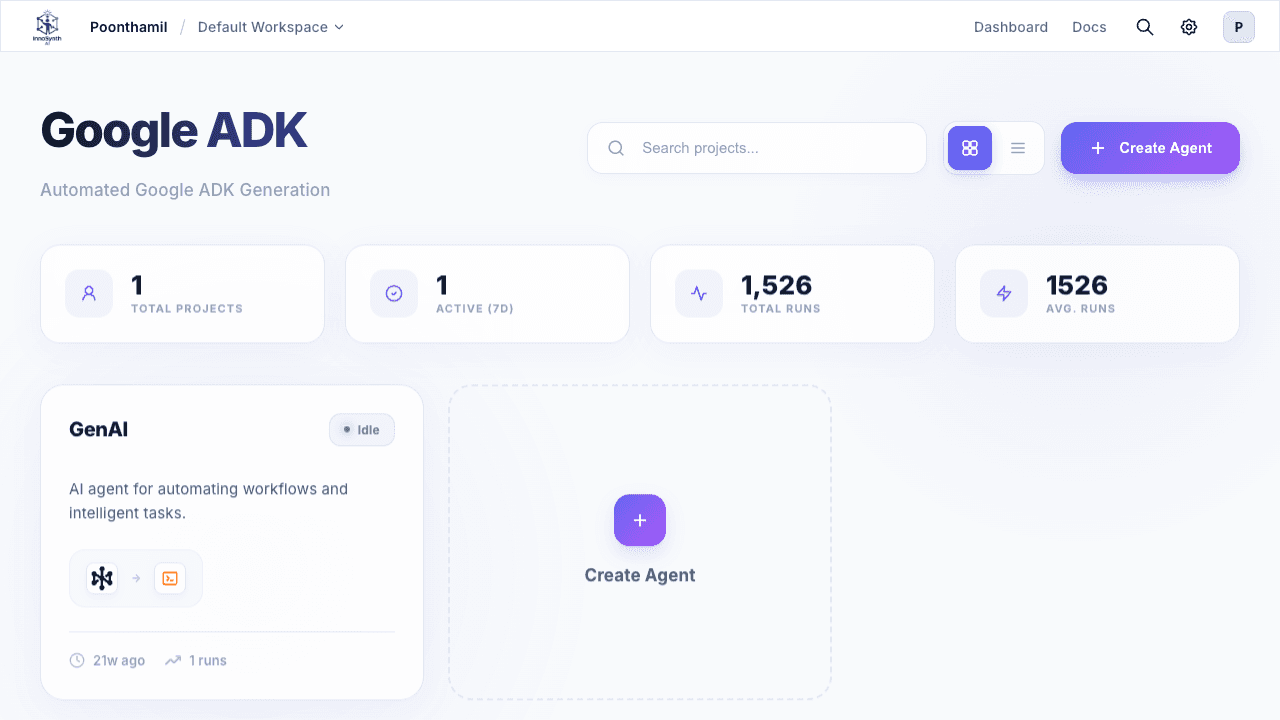
Google ADK is a new builder mode powered by Google's Agent Development Kit. Build sophisticated agents with native Google Cloud integration, Vertex AI model access, and enterprise-grade capabilities.
- Native Google Cloud integration — Vertex AI, BigQuery, Cloud Storage
- Multi-agent orchestration with supervisor and worker patterns
- Google Workspace tools — Gmail, Drive, Calendar integration
- Enterprise security with Google Cloud IAM
- Marked as "New" on the dashboard
- Full Google ADK documentation
CrewAI (Collaborative AI Framework)
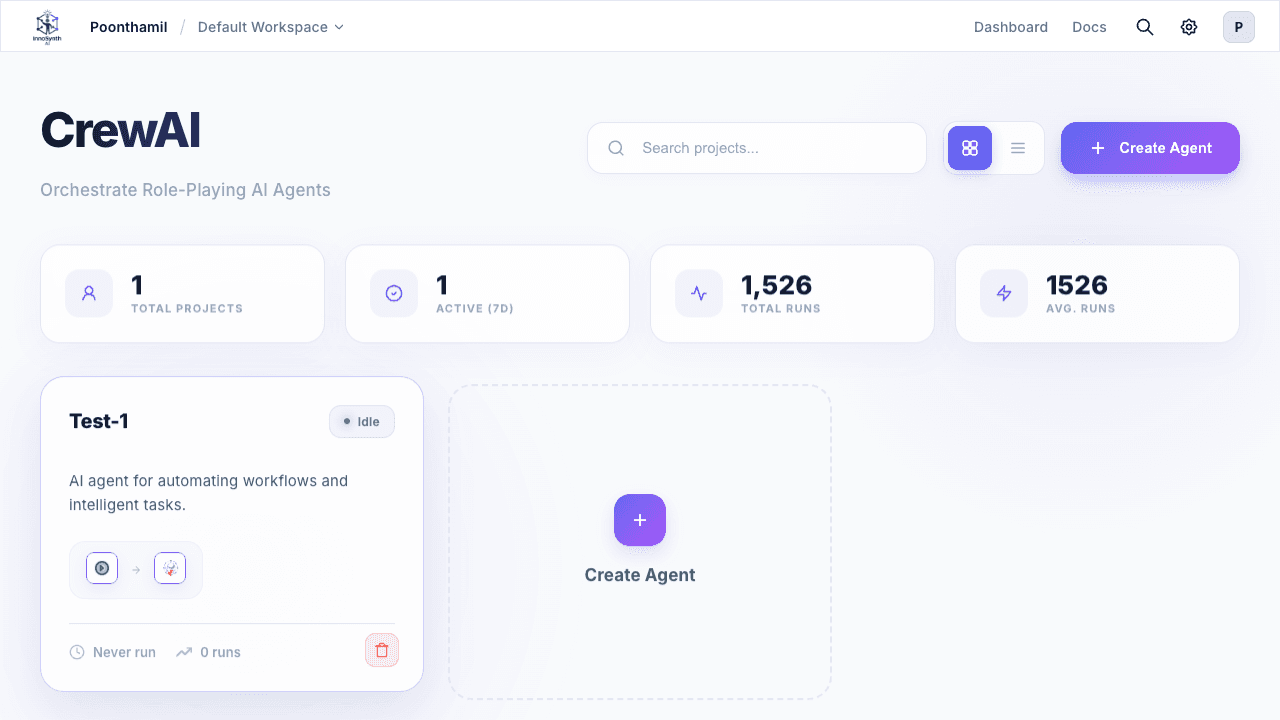
CrewAI is a new builder mode for creating collaborative teams of AI agents. Define agents with specific roles, goals, and tasks, then orchestrate them as coordinated crews.
- Role-playing autonomous agents with defined specialties
- Sequential, hierarchical, and consensus processes
- Shared memory and tool access across crew members
- Supervisor and worker agent patterns
- Marked as "New" on the dashboard
- Full CrewAI documentation
AutoGen (Automated Generative Workflows)
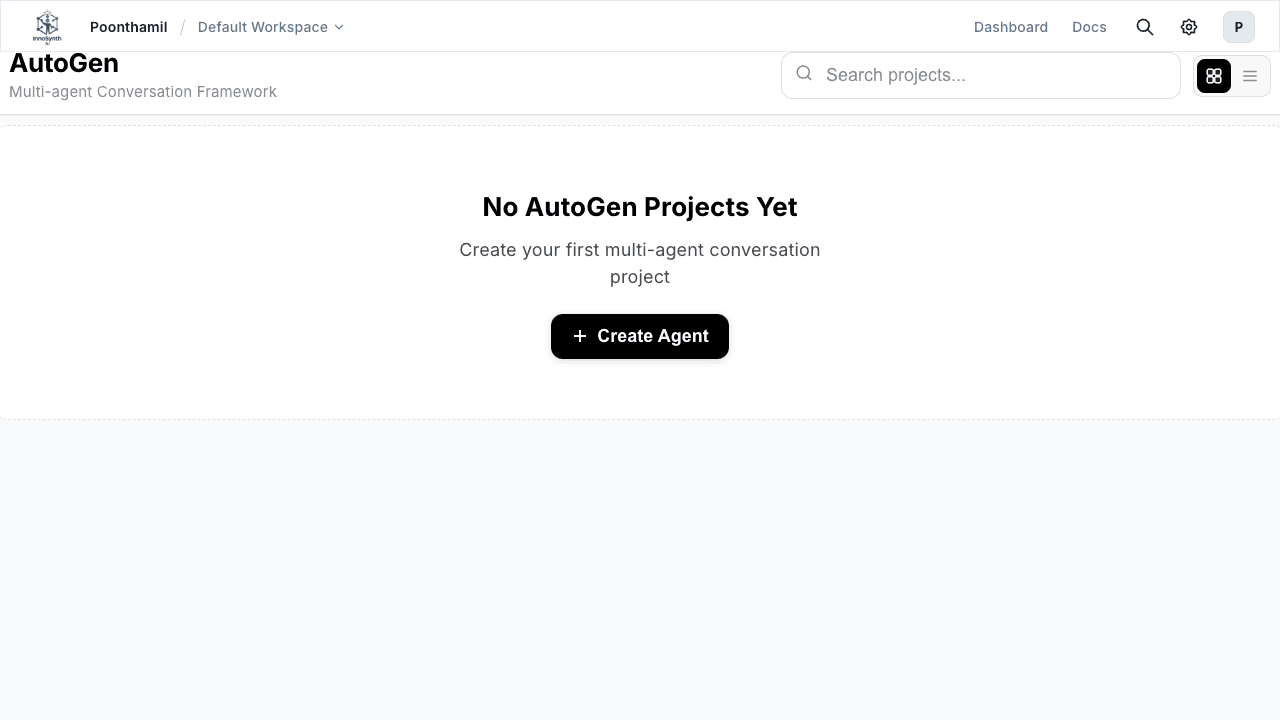
AutoGen is a new builder mode for automated generative workflows. Build agents that can generate, test, fix, and document code or content through conversational orchestration.
- Automated code generation — Python, JavaScript, Bash, SQL, and more
- Agent conversations and orchestration with multi-agent patterns
- Code execution and testing in sandboxed environments
- Self-correction loops — agents fix their own output
- Marked as "New" on the dashboard
- Full AutoGen documentation
Coming Soon
Forjinn is expanding its builder ecosystem with additional frameworks:
- MetaGPT — Multi-agent software development framework
- CAMEL — Communicative agents for AI collaboration
- SmolAgents — Lightweight agent framework for simple tasks
What are Components (Nodes)?
Components are modular units of functionality that you use across all builder modes. Each component performs a specific task, such as:
- Interacting with Large Language Models (LLMs)
- Fetching data from external sources (tools)
- Managing conversational memory
- Loading and processing documents
- Performing analytical tasks
- Controlling workflow logic (conditions, loops, iterations)
- Triggering automated execution (webhooks, cron schedules)
By connecting these components, you define the flow of data and logic, creating sophisticated AI applications without writing code.
Structure of This Guide
This Components Guide is organized by categories, mirroring how they appear in the Forjinn UI's component library:
- Langflow Nodes: Components for the visual canvas builder (Start, Agent, Condition, LLM, Tool, HTTP, etc.)
- Agents: Different types of AI agents that can reason and use tools
- Analytic Nodes: Components for integrating with analytics and observability platforms
- Google ADK Nodes: Components for the Google Agent Development Kit framework
- CrewAI Nodes: Components for multi-agent crew orchestration
- AutoGen Nodes: Components for automated generative workflows
- Cache Nodes: Components for implementing caching mechanisms
- Document Loaders: Components for loading data from diverse sources
- Embeddings: Components for generating vector embeddings of text
- Memory Nodes: Components for managing conversational context
- Moderation Nodes: Components for content moderation
- Multi-Agents: Components for orchestrating multiple agents
- Output Parsers: Components for structuring LLM outputs
- Record Manager: Components for managing records
- Response Synthesizer: Components for synthesizing responses
- Retrievers: Components for retrieving relevant information
- Speech-to-Text: Components for converting speech to text
- Text Splitters: Components for splitting text into smaller chunks
- Tools: General-purpose tools for external interactions
- Triggers: Webhook and cron-based automation triggers
- Utilities: Miscellaneous utility components
- Vector Stores: Integrations with various vector databases
How to Use This Guide
For each component, you will find:
- Description: What the component does and its primary use case
- Icon/Appearance: How it looks on the canvas (if applicable)
- Configuration: A detailed explanation of all input parameters and settings
- Inputs & Outputs: What kind of data the component expects and produces
- Example Usage: A scenario demonstrating how to use the component
Related Documentation
- Chat Builder Guide — Start building with natural language
- Langflow Canvas Guide — Visual workflow builder
- Google ADK — Agent Development Kit framework
- CrewAI — Collaborative multi-agent framework
- AutoGen — Automated generative workflows
- Triggers — Webhook and cron automation
By exploring this guide, you will gain a deep understanding of Forjinn's capabilities and how to effectively build powerful AI applications across all builder modes.
Recent Activities & Dashboard
Overview of the Recent Activities section, Quick Actions, Overview Stats, and navigation tabs on the Forjinn Dashboard.
Triggers | Webhook & Cron Automation in Forjinn
Automate workflow execution with Forjinn's trigger system. Configure webhook triggers for 30+ platforms and cron schedule triggers for time-based automation.